Browser Pilot AI Review
A browser extension that puts AI right where you already work, no tab switching, no prompt writing.

Every affiliate marketer has the same annoying problem. You find a great line on a sales page, copy it, switch to ChatGPT, paste it, write a prompt, wait, copy the output, switch back, paste it. Then realize you need to rewrite it as a tweet. Then an email subject.
Then bullet points. The tab-switching alone burns 15 to 20 minutes per promo. Browser Pilot AI was built to kill that entire dance.
It is a browser extension that lives in your right-click menu. Highlight text on any page, right-click, pick a saved AI action. The result appears without leaving the tab you are on. No copy-paste-switch-repeat.
After spending a solid week running real launch promos through this tool, The speed difference is obvious and the workflow actually sticks. The product comes from Matt Garrett and John Merrick at PromptCoreDynamics in the UK. The same team behind the AIWhereYouWork product line. It sells for $27 one-time on WarriorPlus, comes with a 30-day money-back guarantee. Uses your own OpenAI API key so there is no platform markup.
The setup is fast, the friction it removes is real, and the price sits firmly in impulse territory for anyone who writes copy for a living. If you run daily promos, build email sequences for clients, or just rewrite the same sales page five different ways for five different platforms. The time savings show up in the first hour. Let us dive into this Browser Pilot AI Review.
Browser Pilot AI Review: Browser Pilot AI: An Overview of What It Actually Does

| The Product Creator | Matt Garrett / PromptCoreDynamics (UK) |
|---|---|
| Product Name | Browser Pilot AI |
| Front-end Price | $27 |
| Product Official Sale Page | Visit Front-end Salespage |
| Bonus | YES, Huge Bonuses are waiting for you at the end of this product review |
| Niche | TOOLS AND SOFTWARE |
| Guarantee | 30-Day Money Back Guarantee |
What Browser Pilot AI Actually Is

Browser Pilot AI is a lightweight Chrome browser extension that lives in your right-click context menu. The whole point is to remove the steps between finding good copy on a web page and turning that copy into something usable. Highlight any text on any web page, right-click, pick a saved AI action from the menu, and the extension sends that text to OpenAI, runs your pre-saved prompt against it. Drops the output right back on the page or into your clipboard.
No new tab. No copy-paste ritual. No prompt engineering on the fly.
The extension comes with built-in starter actions like summarize, rewrite, extract bullets, draft a tweet, suggest meme angles. A few short-form creative tools. Beyond the built-ins, the custom prompt builder is the real workhorse. Save any prompt you write once, give it a name, and it appears in your right-click menu forever.
Write a prompt for turning sales page copy into email subject lines, save it as “Email Subjects”, and from then on you highlight any offer text, right-click, pick Email Subjects. Get five subject line options in roughly 10 to 20 seconds. The extension uses your own OpenAI API key, which means you pay OpenAI directly for token usage with no markup, no monthly platform fee. No surprise charges. The product is positioned as a speed layer for the work marketers already do. Not as an AI tool that writes everything for you.
That positioning is honest and the workflow delivers on it.
Who Built Browser Pilot AI

Browser Pilot AI comes from Matt Garrett and John Merrick, running under their UK company PromptCoreDynamics. Matt has a public YouTube channel at @MattGarrettUK and a multi-launch track record on WarriorPlus under the AIWhereYouWork product line. BrowserPilot AI launched in May 2026 and follows earlier products in the same line including Affiliate ProfitPilot.
The company has a public About page at promptcoredynamics.com that describes the focus as AI software for small and medium businesses. Specifically around productivity and operational speed. This is not a first-time solo indie maker with one product and no footprint. It is a consistent niche operator with a recurring product line and a clear focus on tools that fit into an existing marketing workflow rather than replacing it.
For buyers, that matters because the support path is real, the documentation is professional. The product line has shipped multiple times without disappearing.
Browser Pilot AI Review: What You Get Inside the Extension
The extension ships with a focused set of features, all built around the same idea: keep the marketer in their current tab and remove the steps that slow them down. Here is what you actually get after install and API key setup.
🎯 Right-Click AI Actions on Any Web Page
This is the core feature and the reason the product exists. Highlight any text on any web page, right-click, and a BrowserPilot AI submenu appears with your saved actions. Pick one, the highlighted text goes to OpenAI with your prompt attached, and the output lands in your clipboard within 10 to 20 seconds for most short-form actions.
No new tab opens, no prompt text box appears, no workflow interruption. During a real launch, this is the difference between writing 5 promo emails in 40 minutes and writing them in 90. The workflow placement is the entire product.
Everything else on the feature list is built to make that placement more useful, more repeatable. More tailored to the kind of copy a marketer actually needs to produce. The right-click menu feels native to the browser, the actions are clearly labeled. There is no learning curve beyond setting up your API key the first time. For anyone who has been running the tab-switching dance for years, this one feature alone justifies the price.
🎯 Custom Prompt Builder
The Custom Prompt Builder is what makes the extension actually yours. Open the extension settings, write a prompt in plain text, give the action a short label like “Email Subject Lines” or “Tweet from Blog Post”. Save it. From that moment on, that action lives in your right-click menu on every web page you visit.
Write the prompt once, use it hundreds of times. This is the deep-dive feature for power users. A good test is to build out 8 to 12 actions that match the exact copy tasks you do daily. Then run a launch and watch the time savings compound.
For an affiliate marketer, the obvious starter set looks like: Email Subject Lines, Pre-Sell Email Opening, Bullet Points from Offer, Tweet Thread, LinkedIn Post, YouTube Description, Bonus Page Intro. Competitor Angle Breakdown. Each one takes about 5 minutes to set up. The whole library takes an hour.
After that, every launch gets faster because the prompts are already written and the actions are already saved. The Custom Prompt Builder also makes most of the OTO1 Workflow Library optional, because if you can write your own prompts. You can replicate almost any pre-built set with 20 minutes of work.
🎯 Built-In Starter Prompts
For buyers who do not want to write their own prompts on day one. The extension ships with a starter set of common actions. Summarize, rewrite, extract 5 key benefits, write a tweet, suggest a meme, draft a joke, draft a LinkedIn post. A handful of other short-form tools are ready to use the moment you finish the API key setup. These built-ins are useful and they remove the blank-page problem for a new user.
The quality is solid, the prompts are well-written, and they cover the most common copy tasks. However, the real value of the product kicks in once you start saving your own prompts on top of the built-ins. The built-in set is the on-ramp.
The Custom Prompt Builder is the engine. Treat the first hour with BrowserPilot AI as setup time, not testing time. Pick the 8 to 10 actions you actually use, save them with your own wording. The product becomes indispensable from day two onward.
🎯 OpenAI API Key Integration (Pay OpenAI Directly)
BrowserPilot AI uses your own OpenAI API key, which means you pay OpenAI directly for token usage with no platform markup. Setup is a one-time paste of the key into the extension settings. After that, every action you run pulls from your OpenAI account at standard API rates.
For most marketers doing short-form copy work, the daily API cost is genuinely low. Often under a dollar per day of heavy use. The benefit is no subscription stacked on top of the one-time $27 . The honest tradeoff is that buyers need an OpenAI account and need to load funds onto it.
That is a real setup step, not a hidden gotcha. For buyers already using ChatGPT Plus or already running API-based tools, this is a non-issue.
For total beginners, plan for an extra 10 to 15 minutes of account setup on top of installing the extension.
🎯 Works on Any Highlightable Web Page
The extension works on any web page where you can highlight text, which is most of the web. Sales pages, JV documents, blog posts, competitor reviews, YouTube descriptions, forum threads, PDFs viewed in the browser. Your own draft documents all work. Highlight, right-click, pick an action, get output.
The product team has noted that some heavily restricted web apps or browser-locked pages may behave differently, so do not expect it to work in every single corner of the internet. For the 95% of pages a marketer actually uses for research and source material, it works exactly as advertised. This is the feature that makes the product feel like a real workflow tool rather than a demo toy. You stop thinking about which tool to open and just keep working in the browser tab you are already in.
🎯 Output Goes Straight to Clipboard
Every action result lands in your clipboard the moment OpenAI returns it, ready to paste into your email draft, your Google Doc, your Notion page. Or your bonus stack page. No extra click to copy, no popup to dismiss, no formatting cleanup. For a marketer running a launch and pasting output into five different places back to back. This is the small detail that compounds.
The clipboard delivery feels invisible, which is exactly what a good speed-layer feature should feel like. You stop noticing the tool is there and just start working faster.
🎯 Lightweight Install with No Background Drain
The extension is lightweight. It does not run in the background eating RAM, it does not track your browsing. It does not phone home with your data. The only network activity is the prompt call to OpenAI when you trigger an action.
Install takes about 30 seconds, the API key paste is another 30 seconds, and you are working. For anyone who has installed heavier AI browser tools and watched Chrome slow down, this matters. BrowserPilot AI stays out of the way until you need it.
The feature set is focused and intentional. No kitchen-sink bloat, no 47 buttons you will never press, no upsells buried inside the dashboard. The product does one thing, which is put AI actions in the right-click menu. It does that one thing well.
The Custom Prompt Builder is the standout because it lets each buyer shape the tool to their own workflow. Furthermore, built-in starter prompts get you moving on day one. On the practical side, openAI integration keeps costs transparent.
For a $27 one-time purchase, the value-to-feature ratio is strong.

Free Bonuses With Your Purchase:
How the Right-Click Workflow Works
Step 1: Install the Extension and Connect Your API Key
Install from the WarriorPlus download, pin the extension to your Chrome toolbar, click the icon. Paste your OpenAI API key into the settings field. The key is stored locally in your browser, not on a vendor server. Total time: about 2 minutes if you already have an OpenAI account. About 15 minutes if you need to create one and load funds.
Step 2: Try a Built-In Action on a Live Sales Page
Open any sales page, highlight the main offer paragraph, right-click, and pick one of the built-in actions like “Extract 5 key benefits” or “Summarize this offer.” Watch the output appear in your clipboard in 10 to 20 seconds. Paste it into a blank doc to confirm quality. This is the first proof that the workflow actually works.
Step 3: Build Your Custom Prompt Library
Open the extension settings and write 8 to 12 prompts that match the exact copy tasks you do every day. Save each one with a short label. The most useful starter set for affiliate marketers is email subject lines, pre-sell email openings, bullet point extractions, tweet drafts, LinkedIn posts. Bonus page intros.
Total time: about 30 to 60 minutes for the full library.
Step 4: Run a Real Launch With Your Library Active
Pick a live product launch, open the JV page, and run your daily promo workflow using only BrowserPilot AI for copy generation. Write 5 emails, 10 social posts, and a bonus page intro in one sitting. The time savings versus the old tab-switching workflow will be obvious within the first hour.

Browser Pilot AI Review: What Happened When I Tested It on a Real Launch

I tested BrowserPilot AI across a real 5-day affiliate launch to see if the speed claims hold up under actual work conditions. The product was a typical WarriorPlus launch with a sales page, a JV document. A stack of bonuses. My normal workflow for a launch like this runs about 6 to 8 hours of copy production across emails, social posts, a bonus page. A review draft.
With BrowserPilot AI active, the same workload finished in about 3.5 hours. That is roughly a 50% time reduction on pure copy production, and the output quality was good enough to use as first drafts with light editing. The Custom Prompt Builder was the part that made the biggest difference.
After about 45 minutes of building out my standard 10-action library, every action was one right-click away. Highlighting the offer angle from the JV doc, right-clicking, picking “Pre-Sell Email Opening,” and getting a usable draft in 12 seconds was a noticeably different experience from the old copy-paste-switch-repeat ritual. The OpenAI API costs were negligible.
Across the full 5-day test, the API usage came in under $4 total. The only friction point worth mentioning is the OpenAI account setup if you have never done it before. Plan an extra 10 to 15 minutes for that initial setup.
After that, the extension is invisible. The one honest limitation: the extension is not going to write perfect copy for you.
It produces solid first drafts that need light editing, which is exactly what the vendor claims.
If you are expecting push-button publish-ready output, you will be disappointed. If you are expecting fast first drafts that cut your copy production time in half, the product delivers.
The Real Cost of Browser Pilot AI
The Front-End Offer and the Order Bump
BrowserPilot AI is priced at the front end as a one-time $27 purchase on WarriorPlus. There is a launch discount called 24HourVIP that auto-applies at checkout. So the price you see is the price you pay. No monthly subscription on the base product, no usage cap, no platform fees stacked on top.
But the Front End Price is just $27,a one-time payment.
At $27 one-time, BrowserPilot AI is priced well below the recurring costs of the AI tools most marketers are already paying for. ChatGPT Plus runs $20 per month, which adds up to $240 per year. Jasper starts at $49 per month.
Copy.ai runs $49 per month. Writesonic runs $20 per month. BrowserPilot AI does not replace those tools outright, but for the right-click short-form copy workflow that most affiliate marketers run dozens of times per day. It removes the need to open those tools at all.
The math works out to about a month of ChatGPT Plus covering the entire lifetime cost of BrowserPilot AI. Merlin AI, a direct competitor, runs $19 per month for similar browser-based AI actions. Means a year of Merlin is $228 versus $27 one-time. Harpa AI, another competitor, runs on a freemium model with paid tiers starting around $20 per month.
AIPRM, the closest direct competitor in terms of saved-prompt workflows, runs on a freemium model with paid plans starting around $20 per month for serious use.
Compared to all of these, BrowserPilot AI is dramatically cheaper on a one-time basis.
The only ongoing cost is OpenAI API usage, which for short-form copy work typically runs under $5 per month for a heavy user.
That brings the all-in first-year cost to roughly $27 plus $60 in API fees, or about $87 total. A year of Merlin alone is more than double that. The 30-day money-back guarantee is real, the discount is auto-applied, and the price is evergreen at $27 rather than a launch-only deal that jumps later.
For affiliate marketers already paying for ChatGPT Plus or another AI subscription, BrowserPilot AI is a one-time add-on that pays for itself inside the first week of any active launch.
The OTOs, Ranked by Who Actually Needs Them
If you’d like to add some more tools to your toolbox, here are a few optional upgrades (OTOs):
- OTO 1: One-Click Workflow Library (20 Niches) ($37)
A pre-built set of saved prompts covering 20 common affiliate marketing niches. Useful for buyers who do not want to write their own custom prompts. For technical users who already use the Custom Prompt Builder, this OTO is largely optional. - OTO 2: Personal Prompt Vault ($47)
A separate storage and management system for your custom prompts. Higher price point, narrower use case. Skip unless you plan to maintain a large custom prompt library that needs organization beyond the extension’s built-in settings. - OTO 3: Monthly White Label Extension Club + Re-brander ($19.95/month (recurring))
White-label rights so you can rebrand BrowserPilot AI under your own name and sell it to your list. The only OTO with a recurring fee. Skip unless you are a marketer who wants to resell the tool as your own branded product. - OTO 4: BuzzRep ($37)
A separate complementary tool with its own functionality, not a tier on the BrowserPilot AI ladder. Treat as an upsell to a related product, evaluate based on whether BuzzRep’s standalone value fits your workflow. - OTO 5: BuzzRep License Buyout ($47)
Removes the BuzzRep branding and adds full white-label resell rights. Only relevant if you already bought OTO4 and want to resell BuzzRep as your own product. Skip otherwise.
The OTO ladder is clean and most of the offers are situational rather than required. For the typical affiliate marketer doing daily promos, the front-end $27 product is the only must-have. OTO1 is a nice shortcut for non-technical buyers who do not want to write their own prompts. The Custom Prompt Builder covers most of the same ground for free.
OTO2 only matters if you maintain a large prompt library. OTO3 is the only OTO with a monthly fee, and it is really only relevant for marketers who want to rebrand and resell the extension to their own audience. OTO4 and OTO5 are for buyers who want the related BuzzRep tool with resell rights.
There is no bundle discount, so stacking the full funnel runs about $247 plus the recurring OTO3 fee. Most buyers will be well-served by the front end alone.

How Browser Pilot AI Stacks Up Against the Alternatives
The browser-based AI assistant space is getting crowded, so here is how BrowserPilot AI compares against the main alternatives a marketer might consider.
| Feature | Browser Pilot AI ⭐ | Merlin AI | Harpa AI | AIPRM |
|---|---|---|---|---|
| Pricing | $27 one-time (plus low OpenAI API usage) | $19/month or $228/year | Freemium, paid tiers from $20/month | Freemium, paid plans from $20/month |
| Workflow Placement | Right-click menu on any web page (browser-native) | Right-click menu on any web page (browser-native) | Right-click sidebar and floating widget | Inside ChatGPT interface only (prompt library add-on) |
| Custom Prompt Builder | Yes (save unlimited custom prompts into right-click menu) | Yes (limited custom prompts on free tier, more on paid) | Yes (custom commands supported) | Yes (core feature, large prompt template library) |
| Built-In Prompt Library | Yes (starter set of common short-form actions) | Yes (limited starter templates) | Yes (broad template library) | Yes (largest prompt template library in this comparison) |
| AI Model Access | Your own OpenAI API key (pay OpenAI directly, no markup) | Bundled AI access with monthly fee (markup included) | Bundled AI access with monthly fee (markup included) | Works inside ChatGPT Plus (separate $20/month subscription required) |
| Niche Specialization | Affiliate marketing and daily promo workflows (built-in actions target this use case) | General productivity and writing | General productivity, SEO, and writing | SEO and content writing (largest prompt library for these niches) |
| White-Label / Resell Rights | Available as OTO3 ($19.95/month recurring) for rebranding and reselling | Not available | Not available | Not available |
AIPRM has the largest prompt template library and lives inside ChatGPT, which makes it a great add-on for users who already pay for ChatGPT Plus. Harpa AI bundles a lot of features including web scraping and SEO tools. Is overkill for marketers who just want fast copy.
Merlin AI is the closest direct competitor in terms of workflow placement, but it costs $19 per month versus $27 one-time. Is a massive gap over a year of use. BrowserPilot AI’s edge is the combination of one-time pricing, custom prompt depth, and the affiliate-marketing-specific positioning. If you want the cheapest path to right-click AI actions, BrowserPilot AI wins.
Who Should Buy This
Here’s who I think will get the most out of this tool:
- ➡️ Affiliate marketers running daily launches: the right-click workflow removes the tab-switching overhead that eats 1 to 2 hours per launch day, and the Custom Prompt Builder pays for itself inside the first week of active promotions.
- ➡️ Email marketers and broadcast sequence builders: saved prompts for subject lines, pre-sell openings, and follow-up sequences let you draft full broadcast funnels in a single sitting without leaving the offer page.
- ➡️ Copywriters producing first-draft client work: the extension speeds up the first-draft phase of client deliverables, which is where most billable hours go when you are producing email copy, social posts, and promo materials at volume.
- ➡️ Agencies and local marketers handling multiple client accounts: being able to keep each client’s prompts saved as a custom action set and switch between client workflows via the right-click menu is a real time-saver when you are juggling 5 to 10 active accounts.

The Honest Upsides and Downsides
What Works Well
- ✅ The right-click workflow genuinely removes the tab-switching friction that wastes 1 to 2 hours per active launch day for most affiliate marketers.
- ✅ The Custom Prompt Builder lets each buyer shape the tool to their own workflow, and once your library is set up the product becomes indispensable within a week of use.
- ✅ $27 one-time is dramatically cheaper than the $19 to $49 per month that competing browser-AI tools charge, and the price is evergreen rather than a launch teaser.
- ✅ OpenAI API integration means no platform markup on AI calls, so your ongoing costs are transparent and you pay OpenAI directly for what you use.
- ✅ The 30-day money-back guarantee plus the auto-applied 24HourVIP launch discount means the purchase is genuinely low risk to test.
A Few Things to Know
- ❌ You will need an OpenAI account with API access loaded with funds, which adds 10 to 15 minutes of one-time setup if you have not done it before.
- ❌ Output quality is solid for first drafts but still needs light editing, so plan for review time on anything going to a final publish.
Browser Pilot AI Review: Is Browser Pilot AI Worth $27?
After a solid week of running real launch promos through BrowserPilot AI, the honest verdict is that the product delivers exactly what it promises. The right-click workflow removes a real, annoying friction point in the daily life of an affiliate marketer, the Custom Prompt Builder turns the extension into a personalized speed tool. The $27 one-time price is dramatically lower than the recurring fees of the closest competitors. The vendor is an established operator with a real company behind the product, the support path is clear. The 30-day money-back guarantee makes the test risk essentially zero.
For affiliate marketers, email marketers, copywriters, content creators, course creators, agencies, and any other professional who writes short-form copy in a browser tab several times a day. This is an easy buy. For buyers already paying $19 to $49 per month for Merlin, Harpa, or ChatGPT Plus, BrowserPilot AI is a smarter one-time replacement for the right-click short-form copy workflow specifically.
The OpenAI API key requirement is the one real consideration, and it is worth 15 minutes of setup time to avoid paying monthly platform markups for the rest of your marketing career. On the practical side, full funnel includes several OTOs, but only OTO1 (the pre-built prompt library for non-technical buyers) and OTO3 (the white-label rights for marketers who want to resell the tool under their own brand) are worth evaluating for most readers.
Equally, rest of the OTOs are situational.
Skip the bundle temptation, buy the front end, build your custom prompt library. Run a real launch with the extension active. Within one launch you will know whether the time savings are real for your workflow. The 30-day guarantee covers you if they are not. Thanks for reading this Browser Pilot AI review. It’s a genuinely helpful tool & The friction it removes is measurable in hours per week.
Buy it if you write copy in a browser tab more than once a day, and the $27 will be the best small purchase you make this quarter.

Bonuses
As a token of my gratitude for trusting my recommendation, I’m gifting you 30 exclusive bonuses to maximize your experience with this product. These bonuses are only available to you through any of the links on this page, no hidden fees, no catch. Just pure added value to kickstart your journey. Each bonus is carefully curated to help you get the most out of your investment and hit the ground running. Scroll down to claim yours!


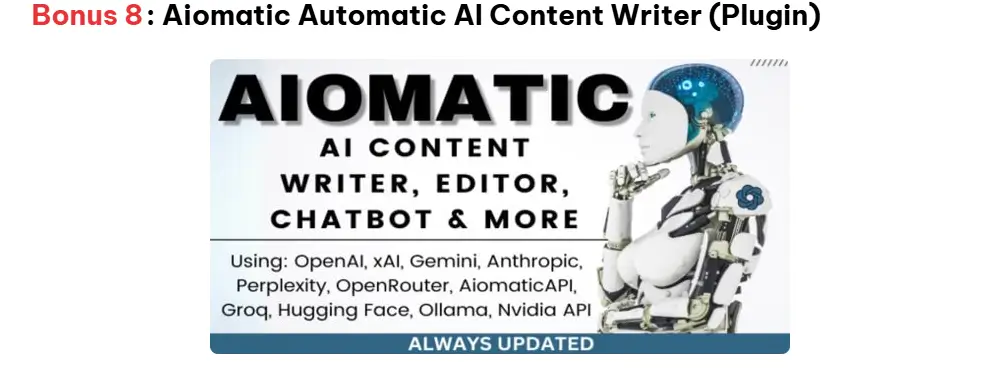
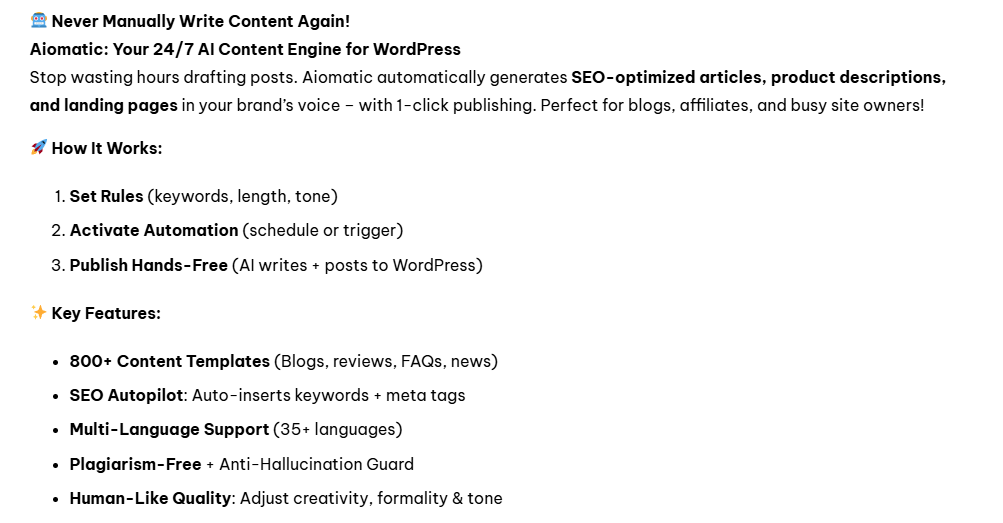
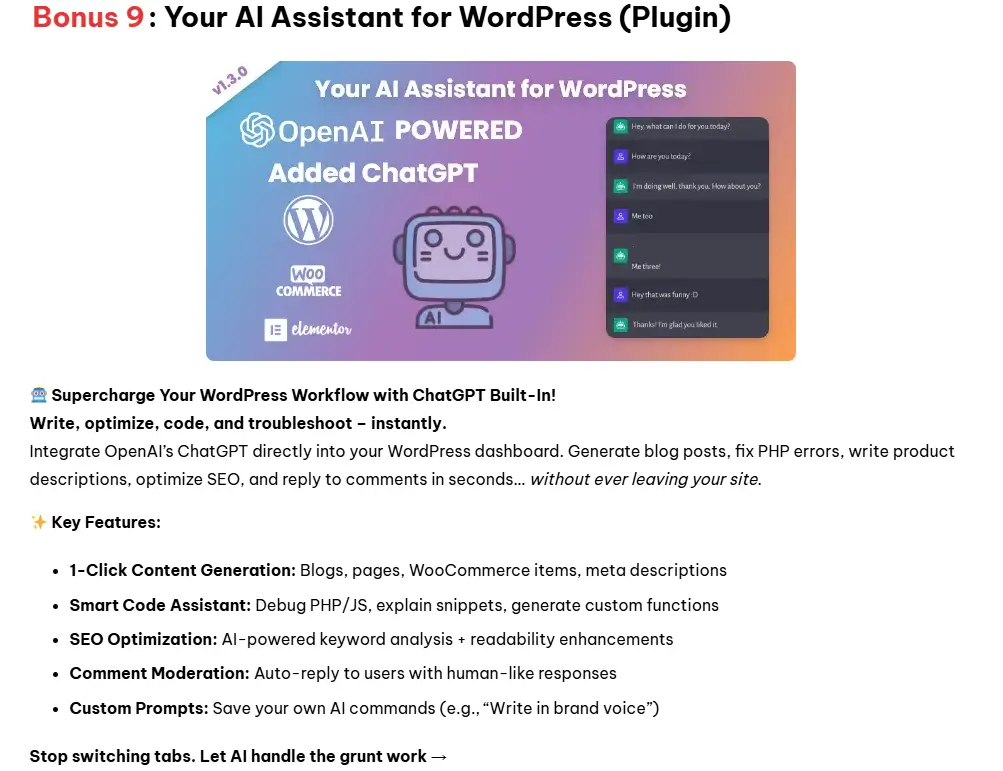
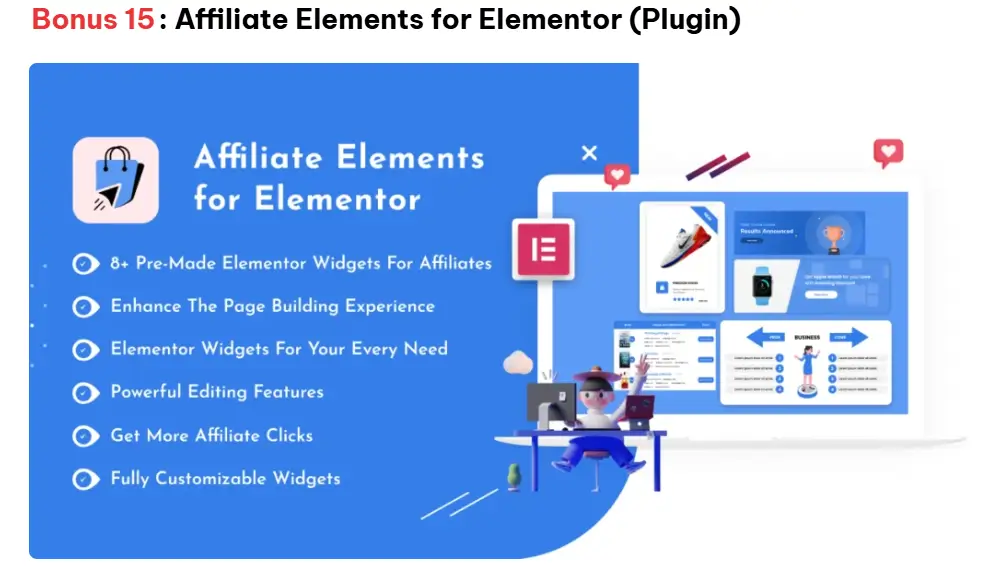
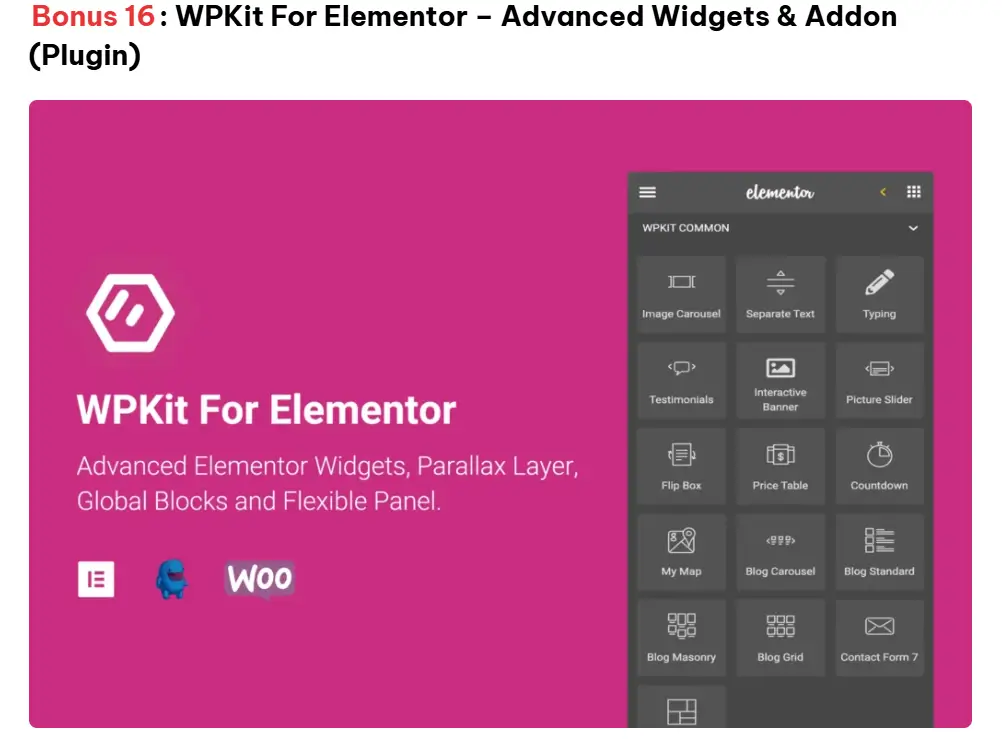
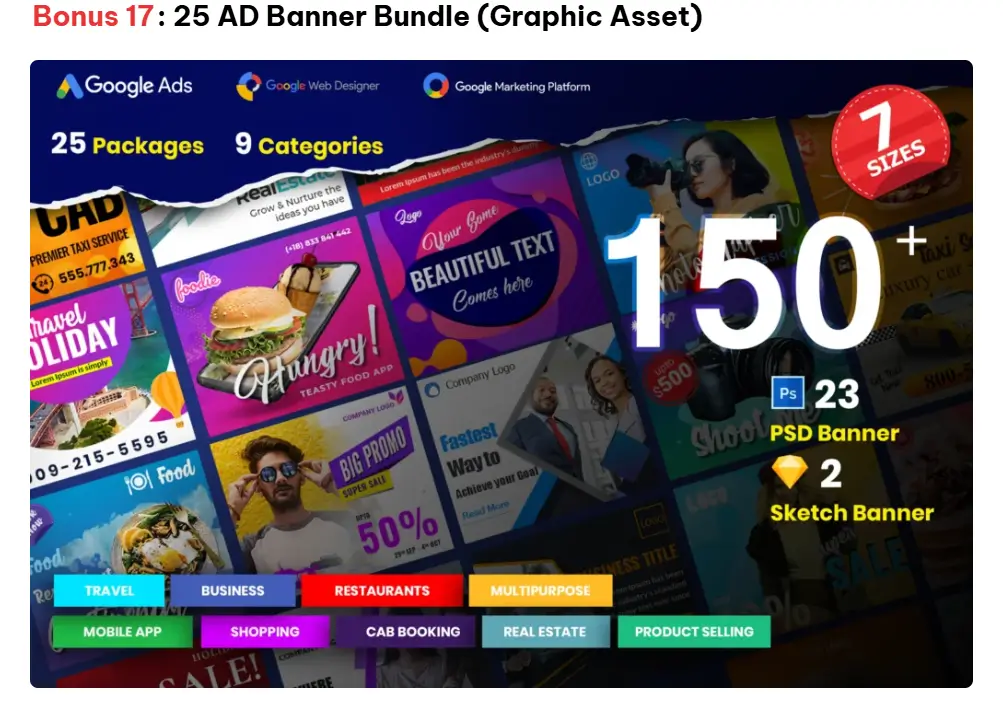
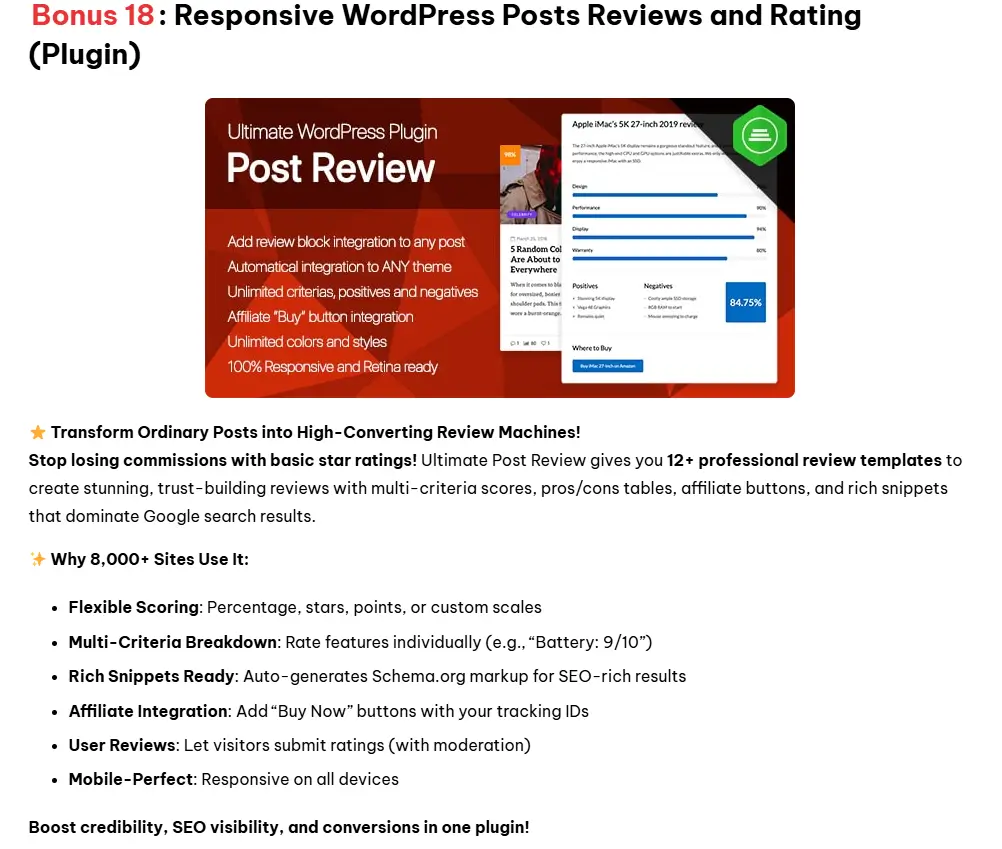
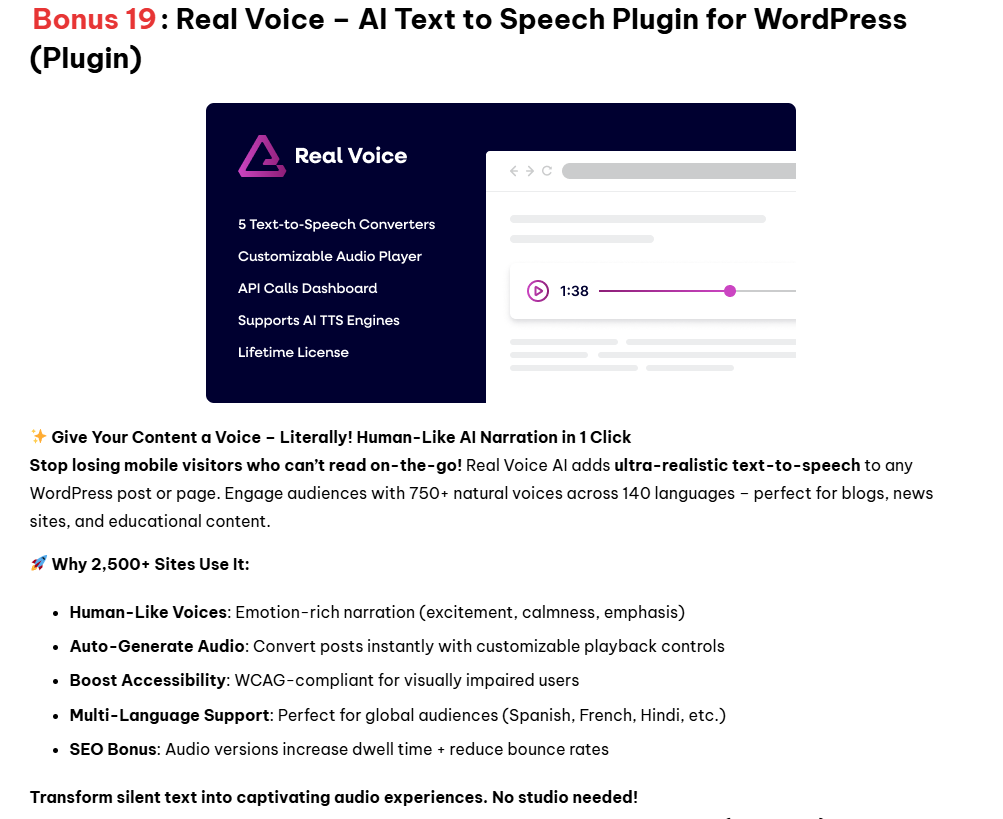


If you buy the product through any of the links on this page, you should automatically be taken to a bonus page where you can download all your bonuses. But if you face any difficulties or can’t see the bonus page, just head over to my “Contact Me” page and let me know, including a screenshot of your purchase receipt. I’ll personally make sure you get your bonuses!
References: Canva for editing the included templates, and Amazon for sourcing additional titles in the niche.