A $19 self-hosted script that builds animated GIFs from images, YouTube clips, and MP4 files. I worked through every feature over a weekend, and here is what it does well and where it earns the price.
Turbo Gif Animator Review
Attention is the hardest currency in marketing right now. Static images get scrolled past, long videos get skipped, but a short looping GIF stops thumbs. That is the simple idea behind Turbo Gif Animator, a small piece of software that turns ordinary screenshots and video moments into animated images you can use anywhere.
I see tools in this niche all the time, and most of them overpromise. Turbo Gif Animator is refreshingly narrow. It does not edit videos, it does not require a subscription, and it does not bury you in settings. It grabs frames from the sources you choose and stitches them into a GIF. That is the whole job.
In this Turbo Gif Animator review, I will walk through what the software does, how the setup works, what my own run-through looked like, and whether the $19 price tag is fair for what you get.

| Item | Details |
|---|---|
| Creator | Alex Torp |
| Product Name | Turbo Gif Animator |
| Front-End Price | $19.00 |
| Sales Page | Visit Front-end Salespage |
| Niche | GIF creation and visual marketing |
| Guarantee | 30-day money-back guarantee |
| Coupon | None needed. The front end is already a flat $19. |
What This Tool Actually Does
A GIF is an image format that compresses frames for fast transfer. An animated GIF is a string of those frames played in a loop. Simple on the surface, but the difference in marketing is real. A product shot sits still. A GIF of that same product turning, zooming, or flashing its features moves.

Movement is what earns the click. A looping clip shows a feature in action, walks through a setup, or teases a launch, all without asking anyone to press play. Videos demand attention. GIFs hand attention over in two seconds and keep looping until the message lands. That is why brands lean on them for social posts, launch announcements, and email campaigns, and why tools like this keep selling year after year.
Turbo Gif Animator is a PHP script you install on your own hosting account and open in any browser. Once it is running, it accepts three kinds of input. You can upload your own series of images, you can load a YouTube video and take screenshots from it, or you can load an MP4 file and do the same. It also has a blend mode that merges all your screenshots into a single image.
The output is an animated GIF you can drop into social posts, emails, blog content, or ads. No monthly fee, no third-party dashboard, no export limits. You own the tool because it runs on your own hosting.
Where this earns its keep day to day is the repurposing angle. You already own videos. Every product demo, screen recording, and launch teaser contains moments worth showing on their own. This tool pulls those moments out and turns them into assets that post natively everywhere. A client who wants a before-and-after graphic gets one. A launch needs a quick feature loop, and it gets one. Nothing in that workflow requires a designer.
The Person Behind It
Alex Torp has been working in online marketing since 2005, and he holds a business degree to go with the experience. That is twenty years of watching attention shift, which explains why his products tend to be practical rather than flashy.
His catalog includes Affiliate Master Marketing, Instagram Master Marketing, and Backlink Finder, all tools and trainings aimed at marketers who need results without ceremony. He operates under the OneDigitalNetwork brand, and he has a new training release scheduled for late August 2026.
The philosophy shows in the product itself. Torp says he builds tools that add value and shorten steps, and Turbo Gif Animator is exactly that. It removes the complicated parts of GIF creation and leaves one job standing. Frames go in, a GIF comes out, fast.
That focus comes from selling to real marketers. Torp‘s trainings walk through traffic, social growth, and offer creation, which means he sees where the friction sits for the person doing the work. A GIF tool that needed Photoshop-level skills would solve nothing for his audience. This one solves the actual problem.
Turbo Gif Animator Review: The Feature Set
Everything below is confirmed in the software itself. There are ten features worth naming, and none of them require design skills.


What matters most is how they combine. The capture features give you raw material from sources you already own. The generator turns that material into a finished asset. The self-hosting setup means the tool is there whenever you need it, not when a subscription allows it.
Upload Your Own Images. You feed the script a series of images and it arranges them as frames in order, then compiles the loop. The image upload mode turns a folder of product shots into a looping showcase in about a minute. You control the sequence, so the story the GIF tells is entirely yours.
YouTube Screenshot Engine. Paste a YouTube link, load the video, play it, pause it, and grab a screenshot at the exact frame you want. You can pause a YouTube video and capture the precise moment that sells your point. Repeat that at chosen intervals and you have every frame your GIF needs.
MP4 Frame Grabber. The same capture idea works with your own MP4 files. Local video files work just as well, so you are not limited to content that lives on YouTube. Screen recordings, ad clips, and product demos all become frame sources.
Frame Intervals You Choose. The whole point of the tool is control over subject matter. You decide where each capture lands in the video. The interval control means you decide exactly what each frame shows. No random captures, no trimming after the fact.
One-Click Blend. This mode collapses a full series of screenshots into one combined image. The blend feature merges every capture into a single visual summary. It works well for before-and-after graphics and step-by-step overviews.
Self-Hosted PHP Script. You install the script on your own hosting account and run it from there. It runs as a PHP script on your own hosting, so there is no monthly fee and no third-party dashboard to log into. The tool lives where your business lives.
Browser-Based, Any Operating System. Because everything happens in the browser, Mac and Windows users get the identical experience. Since it runs in a browser, Mac and Windows users get exactly the same tool. No installers, no compatibility headaches.
No WordPress Needed. This is a standalone script, not a plugin. WordPress is not required, which keeps the setup light for any marketer. Any hosting account that runs PHP can host it.
GIFs in Under a Minute. Once your frames are captured, generation is quick. The whole capture-and-generate loop takes about a minute once the script is installed. That speed is the Turbo in the name, and it is earned.
Total Control Over Subject Matter. You choose the source, the frames, the order, and the output. Every frame comes from a moment you chose, so the final GIF always matches your message. Nothing gets automated away from you.
The Workflow, Step by Step
There are four steps between opening the script and downloading your GIF. Each one is straightforward, and the interface does not add extra work to any of them.
Install the Script on Your Hosting
The package uploads to a folder on your hosting account, and you open the address in your browser. No WordPress, no database setup, no license server. If you already run a website, you already own everything this step needs.
This is the same routine as installing any script or staging any landing page. Upload the files, point your browser at the folder, and the tool is live. There is nothing to activate and nothing that phones home.
Choose Your Source
You have three options. Upload a series of your own images, paste a YouTube video link, or load an MP4 from your computer. The choice depends on the GIF you want to build.
Grab Your Frames
For video sources, you play and pause the video inside the script, then take screenshots at the exact moments you pick. The interval control means you can capture evenly spaced frames or cherry-pick the highlights. For uploaded images, the order you add them becomes the frame order.
Generate and Download
The script compiles your frames into an animated GIF. Download it and use it in social posts, email campaigns, blog content, ad creative, or client work.
Turbo Gif Animator Review: Using It Myself
I started where every user starts, with the install. The script went into a subfolder on my hosting account, and opening that folder in Chrome brought up the tool. There was no activation step and nothing to configure first. It was running in about five minutes, most of which was waiting for the upload.
Then I took it through all three input modes. The YouTube mode was the one I cared about most, so I pasted a link to a product walkthrough and loaded it. The player let me play, pause, and grab a screenshot at the exact second the demo showed the dashboard. I repeated that at four more points across the video, choosing each moment deliberately.
Those five frames went into the generator, and the script stitched them into a looping GIF. The output was compact and loaded instantly in a browser tab, which is the whole reason GIFs work for marketing in the first place.
The MP4 mode performed the same job with a screen recording I had on my machine. Frame captures came out clean, and the interval settings made it easy to space them out instead of pausing manually every time. The upload mode took a folder of product shots and turned them into a smooth loop without any fuss.
The blend mode was the surprise. I combined the same five captures into a single image that summarized the entire video at a glance. That one feature covers a use case most GIF tools ignore.
From there the GIFs went straight into the places they belong. One landed in a social post announcing a product update. Another went into an email sequence where a motion preview of the offer beat a static screenshot for clicks. The blend output became a single overview image that summarized the whole demo on one slide.
What this tool will not do is edit your video. There is no cutting, no audio, no titles. That is not a flaw; it is the design. You do the creative work in your video editor, then bring the finished moments here.
Pricing and What $19 Buys
Turbo Gif Animator sells for a flat $19.00. One payment, no subscription, and no renewal notice waiting for you next month.
That single payment covers the complete script with all three input modes, the interval control, and the blend feature. Everything described above is in the front-end offer, not hidden behind upgrades.
There is no upsell chain on this product. The checkout ends where the front end ends, which is rare in this niche. You pay once, the tool is yours, and you install it wherever your business needs it.
The offer carries a 30-day money-back guarantee. If the tool does not fit your workflow, you get your money back and the risk is gone. For the price of two coffee cups, you get a permanent GIF creation tool that never bills you again.
Put the price in context. A single custom GIF from a designer can run more than this whole tool. A Photoshop subscription costs more every month than Turbo Gif Animator costs forever. If you produce even one branded GIF a week, the $19 stops being a cost and starts being a rounding error.

How It Stacks Up Against the Alternatives
GIF creation is a crowded space, so I compared Turbo Gif Animator against the three options people reach for most often.

| Feature | Turbo Gif Animator | Ezgif | ScreenToGif | Photoshop |
|---|---|---|---|---|
| Price | $19 one-time | Free | Free | $22.99 per month |
| Setup | Upload script to your hosting | Browser, nothing to install | Windows desktop app | Desktop app |
| YouTube video to GIF | Yes, direct capture | No | No | No |
| MP4 to GIF | Yes, direct capture | Yes, upload based | Yes, screen recording | Yes, timeline work |
| Image sequence to GIF | Yes | Yes | Yes | Yes |
| Blend frames into one image | Yes | No | No | No |
| Learning curve | Very low | Low | Moderate | Steep |
| Works on Mac and Windows | Yes | Yes | Windows only | Yes |
| Best for | Marketers who want fast branded GIFs | Quick one-off conversions | Screen capture GIFs | Professional design work |
Where Turbo Gif Animator wins is the combination nobody else at this price offers. It captures directly from YouTube, it handles MP4 files, and it includes the blend mode, all inside a tool you own outright. The free options are fine for occasional conversions, but they were not built for a marketer who needs branded GIFs every week. Photoshop can do far more, but it bills you monthly for power a GIF will never use, and the learning curve is steep.
For $19 once, this covers the exact job.
Who Gets the Most Out of This
- Marketers who run product launches and want share-worthy clips for every announcement
- Content creators who repurpose video content into social moments
- Course creators and product sellers who need quick visual updates for their audiences
- Email marketers who want motion inside newsletters without video embed limits
- Complete beginners who have never touched a design tool
If your work already involves video or product imagery, this tool slots straight into your existing loop. You stop hunting for GIFs made by someone else and start producing your own in minutes.
The best fit is someone with hosting already in place and content already in motion. If that describes you, the jump from owning videos to owning GIFs is the shortest step this product can offer. No new skills, no new subscriptions, and no new software to learn.
The Strong Points and the Trade-offs
The upsides first, because there are more of them.
- One flat price of $19 with no subscription and no upgrade ladder
- Direct YouTube and MP4 frame capture, which free tools do not offer
- Self-hosted and browser-based, so Mac and Windows users both get the full tool
- Fast and simple enough that a complete beginner can produce a GIF on day one
- A 30-day money-back guarantee that removes the purchase risk
The trade-offs are mild and honest.
- You need your own hosting account to install the script. That works best for marketers who already run a website, which covers most of us.
- It is a focused tool rather than a video editor. If a project needs cuts, titles, or sound, you pair this with the editing software you already use.
The Bottom Line
Turbo Gif Animator does not pretend to be anything it is not. It is a small, self-hosted tool that turns chosen frames into animated GIFs in about a minute, and it costs $19 once.
I give it a 4.6 out of 5. It loses a little for requiring your own hosting and for being a focused utility rather than a full creative suite. It gains it back on speed, price, and a feature set nobody else combines at this price. Direct YouTube capture, MP4 capture, and the blend mode all come together here.
For anyone whose content calendar includes GIFs, this Turbo Gif Animator review comes down to a simple verdict. The tool pays for itself the first week you stop hunting for premade GIFs and start publishing your own.
Is it the most advanced animation software ever made? No, and it should not try to be. It is the right tool at the right price for the exact job, which is how it beats both the free utilities and the bloated subscriptions. Sometimes the smallest tool in the box is the one you reach for every day.

The Bonuses That Come With It
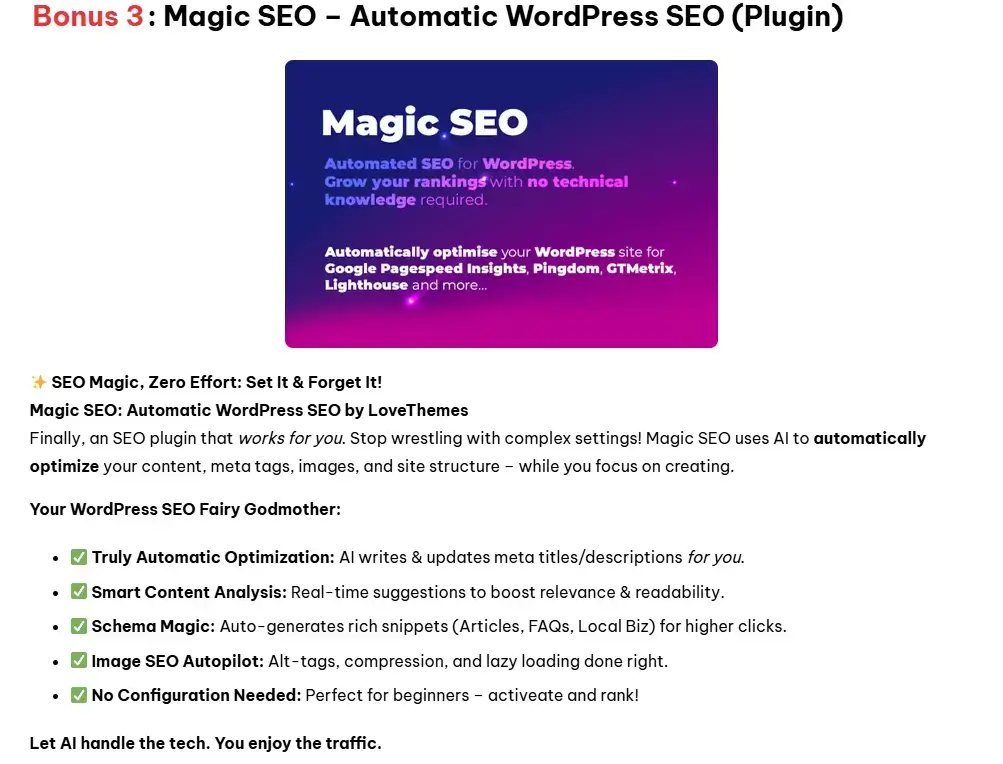
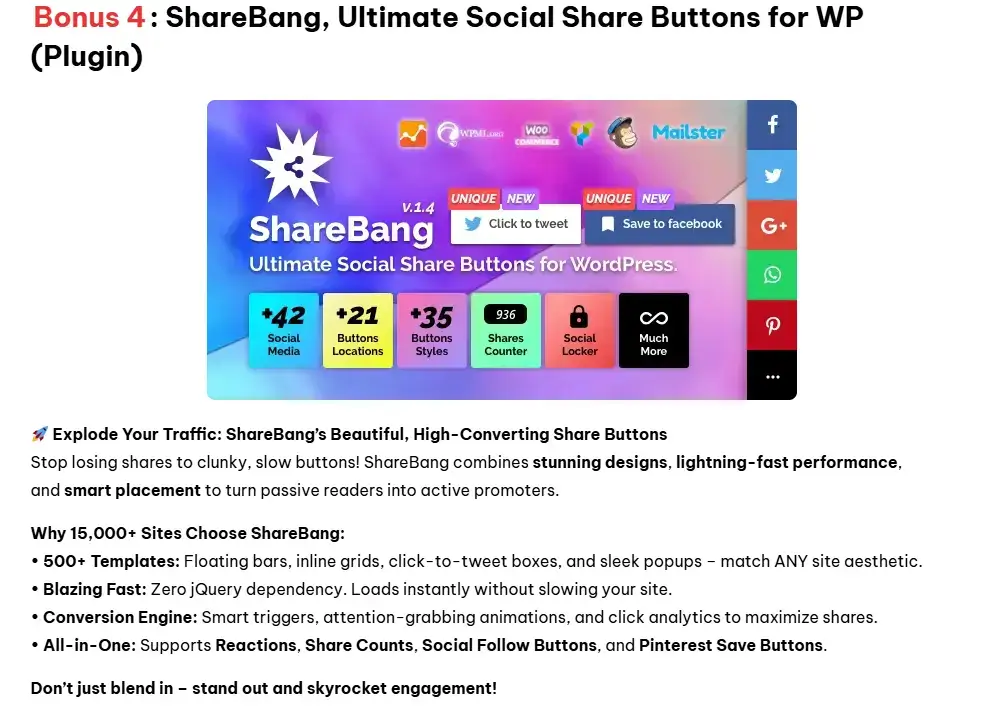
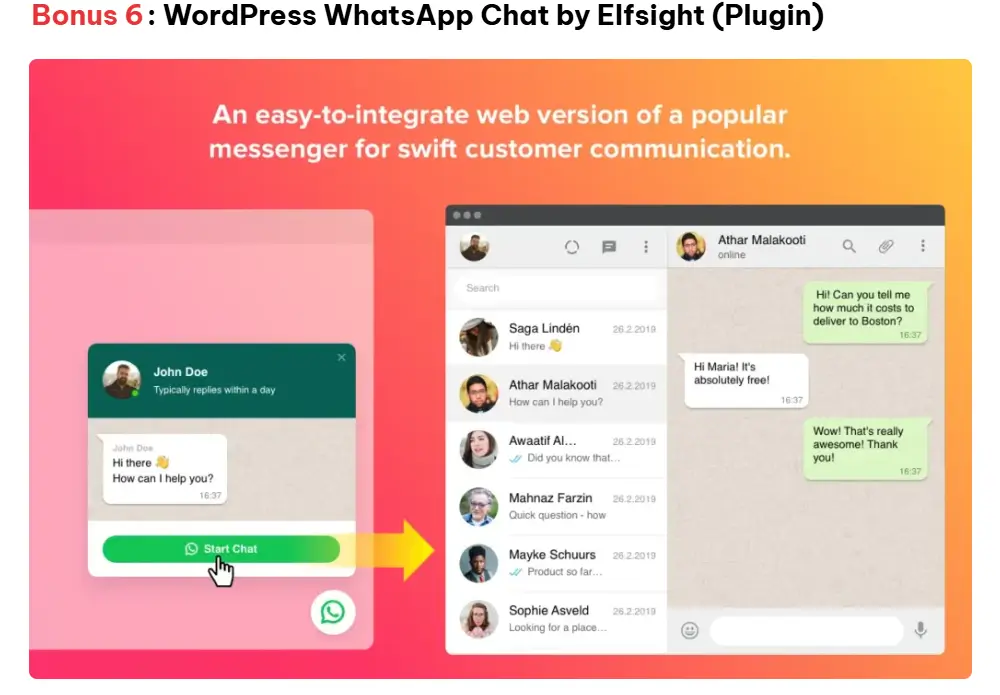
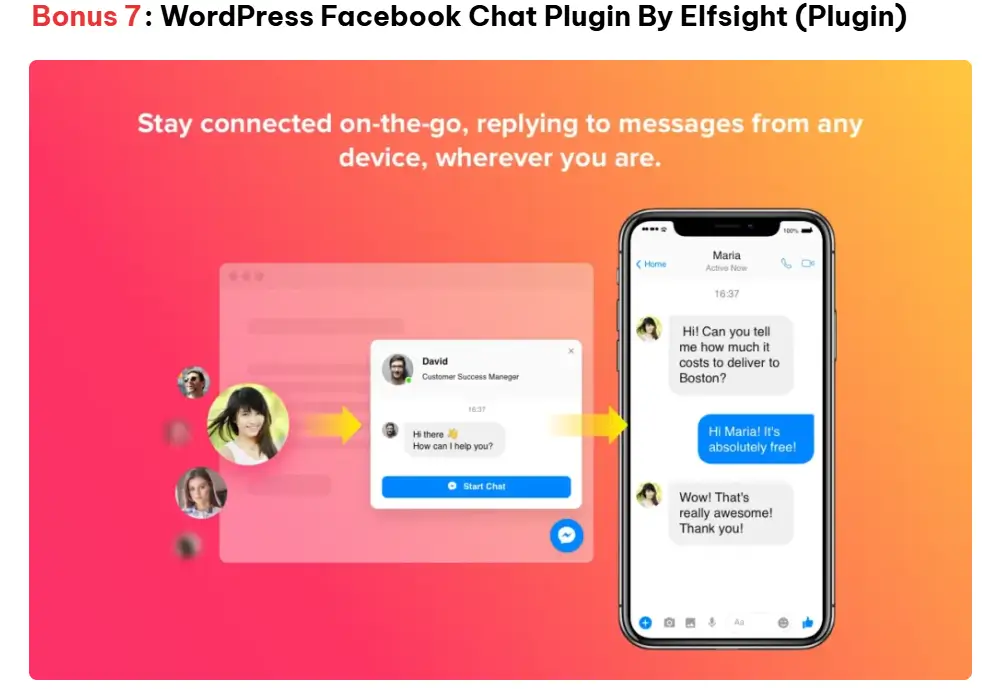
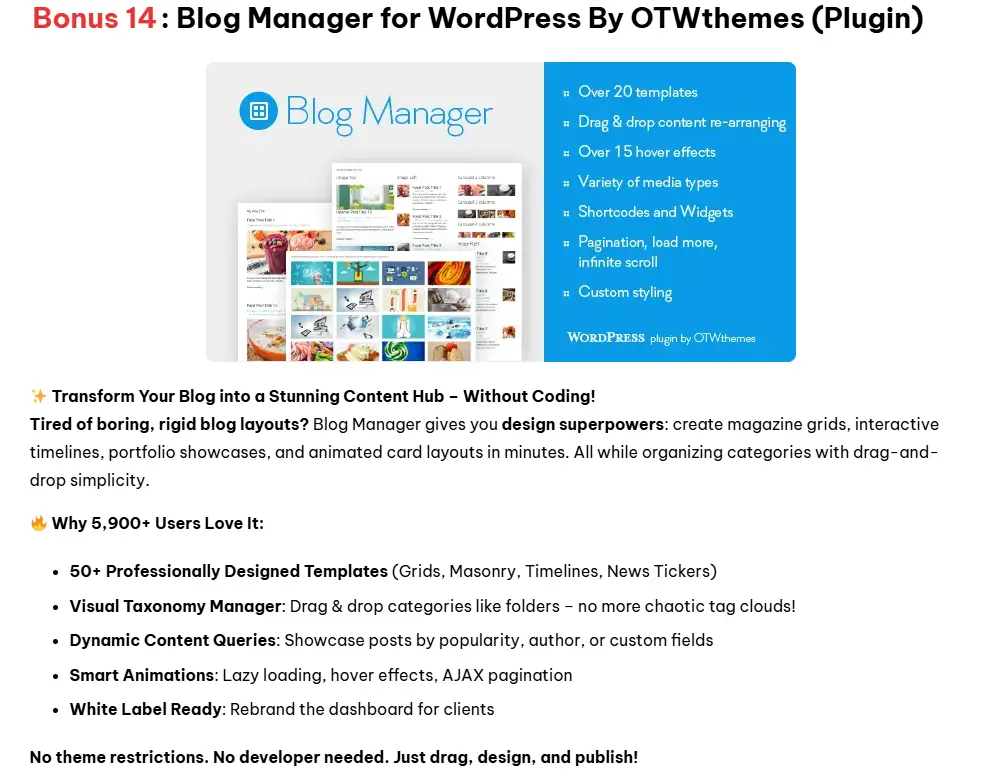
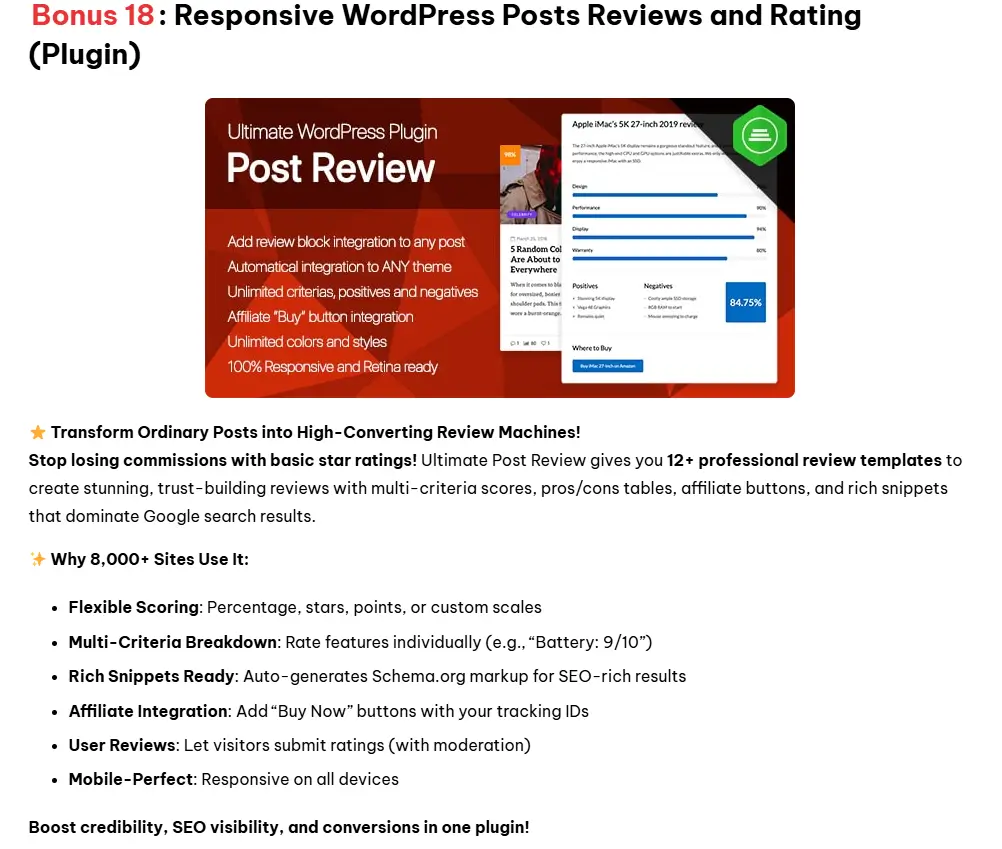
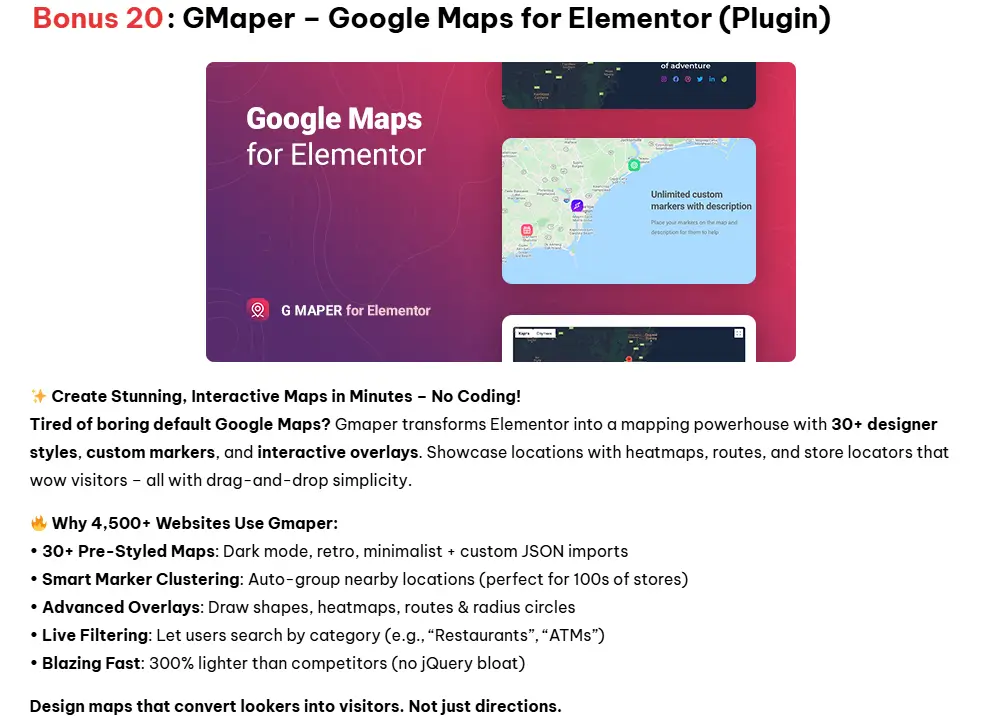
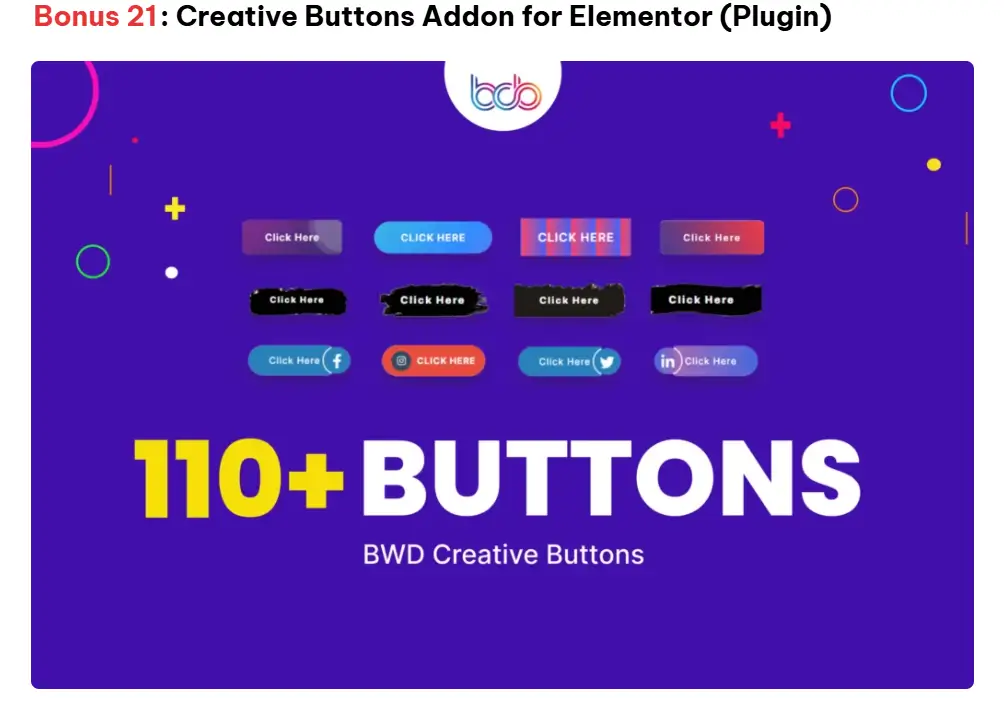
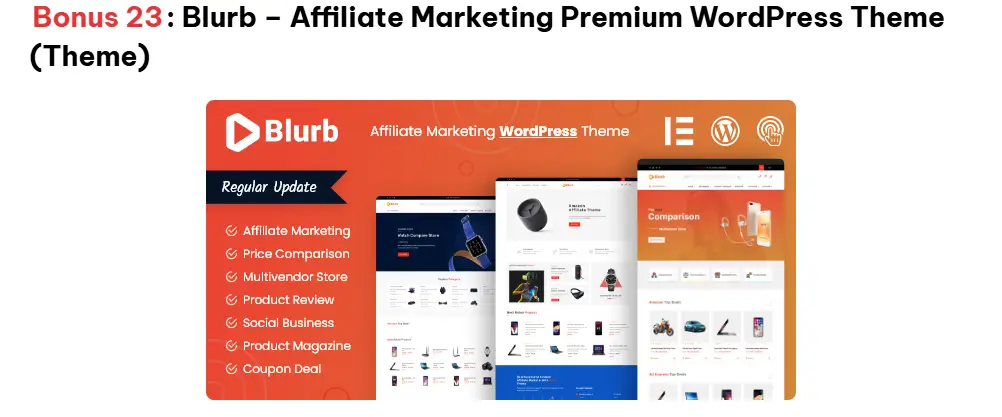
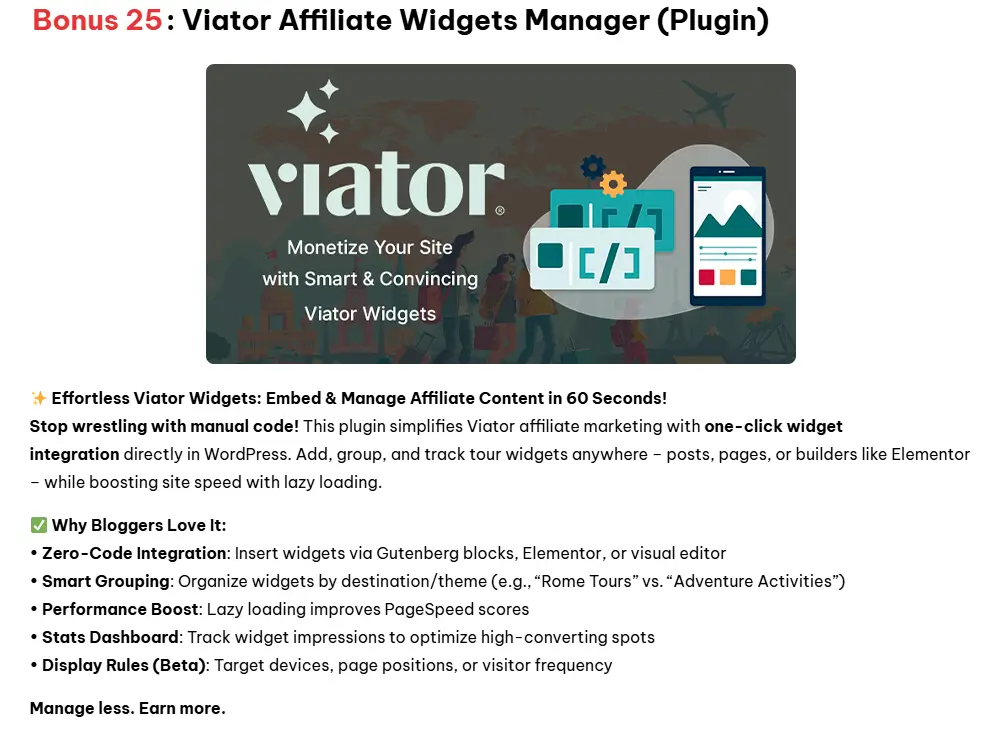
As a token of my gratitude for trusting my recommendation, I’m gifting you 30 exclusive bonuses to maximize your experience with this product. These bonuses are only available to you through any of the links on this page, no hidden fees, no catch, just pure added value to kickstart your journey. Each bonus is carefully curated to help you get the most out of your investment and hit the ground running. Scroll down to claim yours!







The Takeaway
If you want animated GIFs without a monthly bill and without a learning curve, Turbo Gif Animator is the cleanest $19 you can spend on visual content this month. You get a permanent tool, a 30-day guarantee, and every feature the page above describes.
Click the button below to grab it with my bonuses.